Cool features to help you effortlessly split and merge PDF files
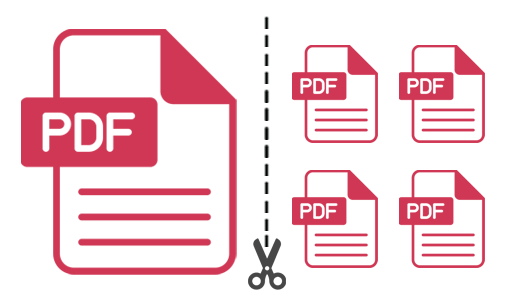
Split large PDF files into multiple smaller parts with ease. Supports various splitting modes, including splitting into single-page PDFs, delete pages from PDF, removing unwanted page ranges, and splitting by groups of pages.
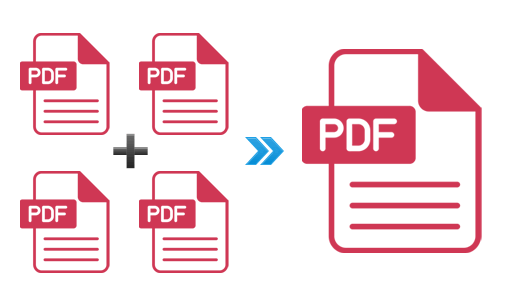
Effortlessly merge an unlimited number of PDF documents into a single, cohesive PDF file using batch mode. You can choose to merge all pages from each document or specify particular page ranges to include, providing flexibility and control over the final result.
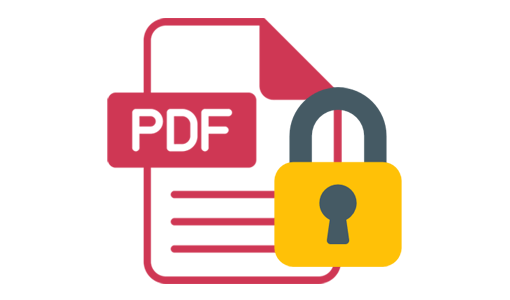
Easily handle password-protected PDF documents by processing them without hassle. Additionally, set password protection for split or merged PDF files to ensure the security and confidentiality of your documents.
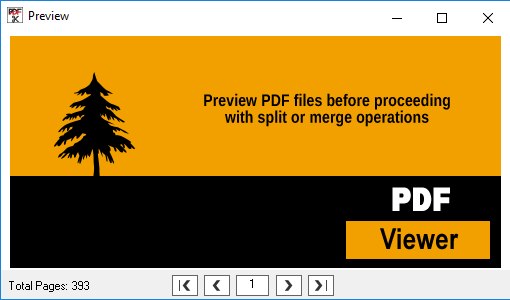
Features a built-in PDF viewer that allows you to conveniently preview PDF files before proceeding with split or merge operations. This functionality ensures that you can accurately select pages, enhancing both efficiency and precision in managing your PDF.
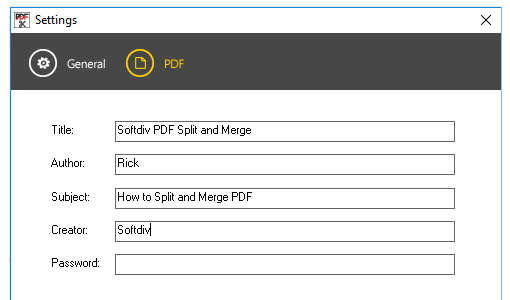
Provides options to customize metadata for split or merged PDF files, allowing you to set the title, author, creator, and subject values with ease. This feature helps you maintain organized and professionally labeled PDF documents, making them easier to manage and identify.
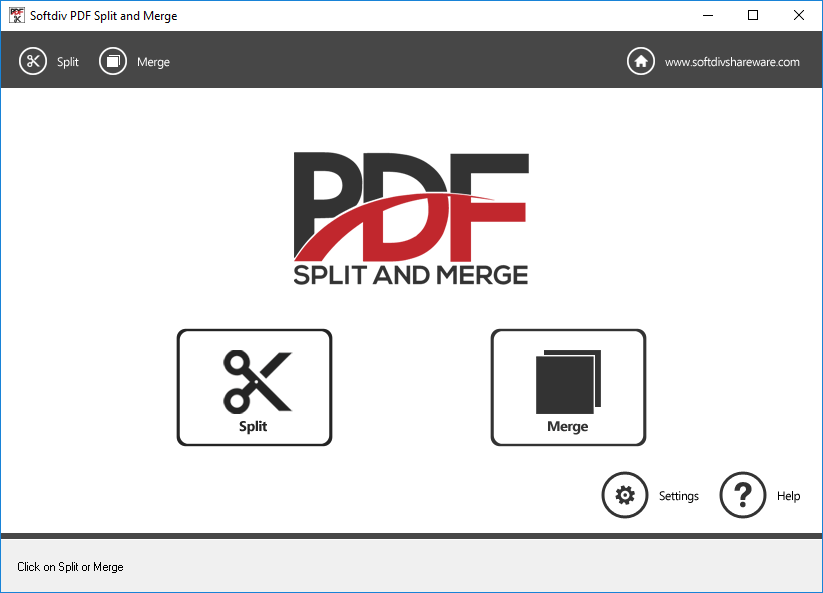
PDF Split and Merge
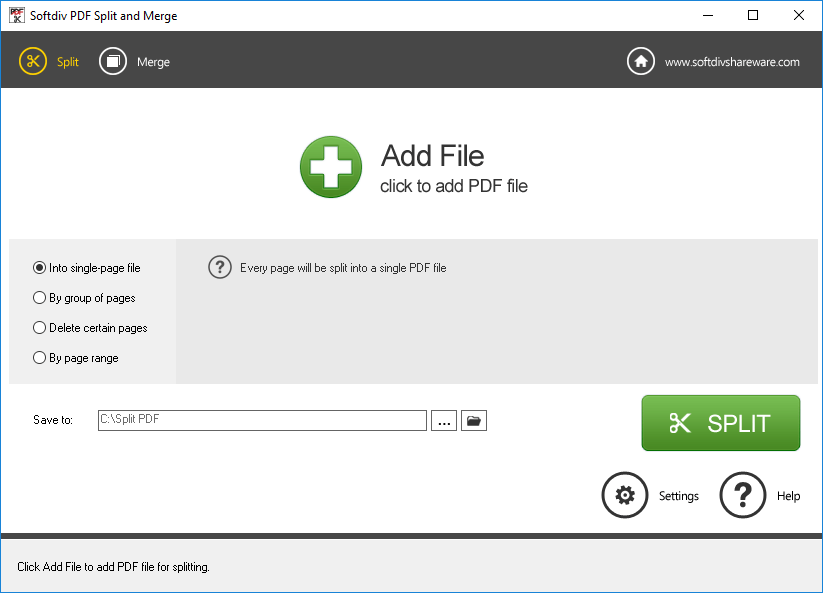
Split PDF
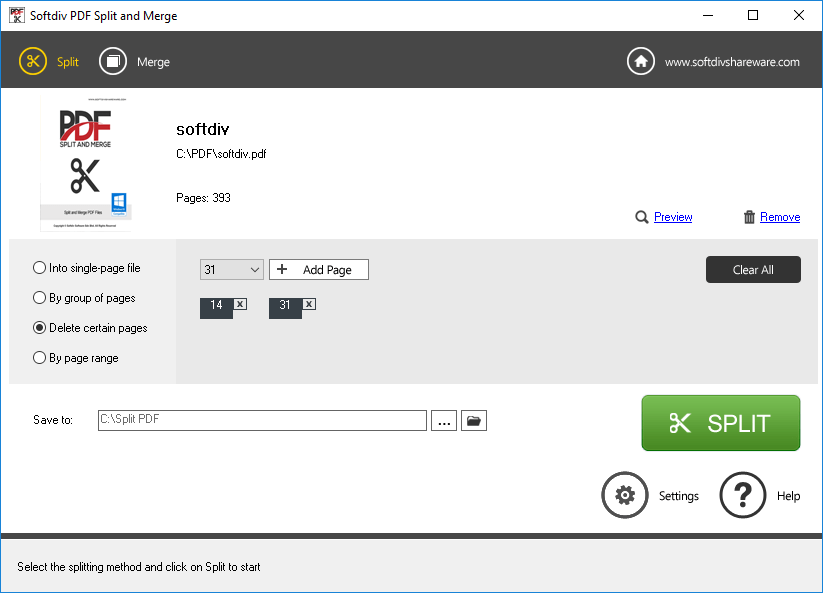
Delete PDF Pages
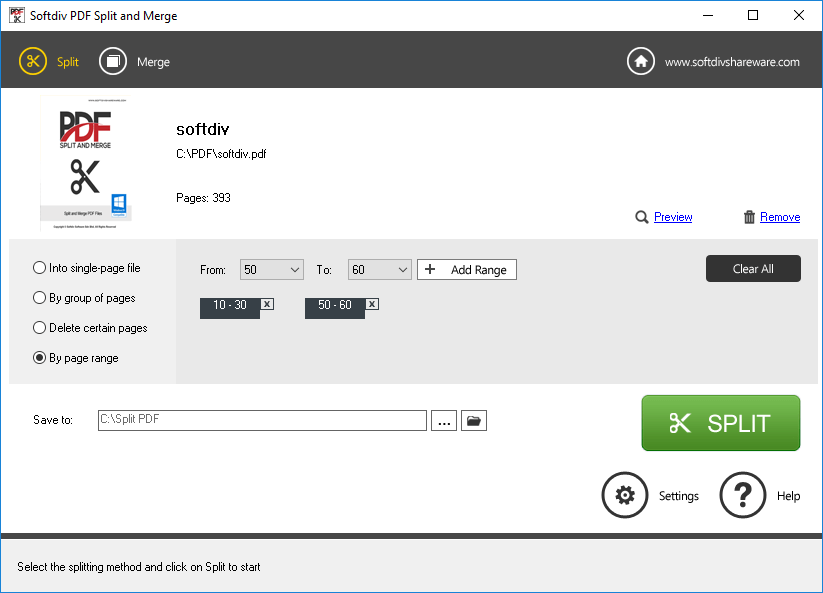
Delete PDF Page Range
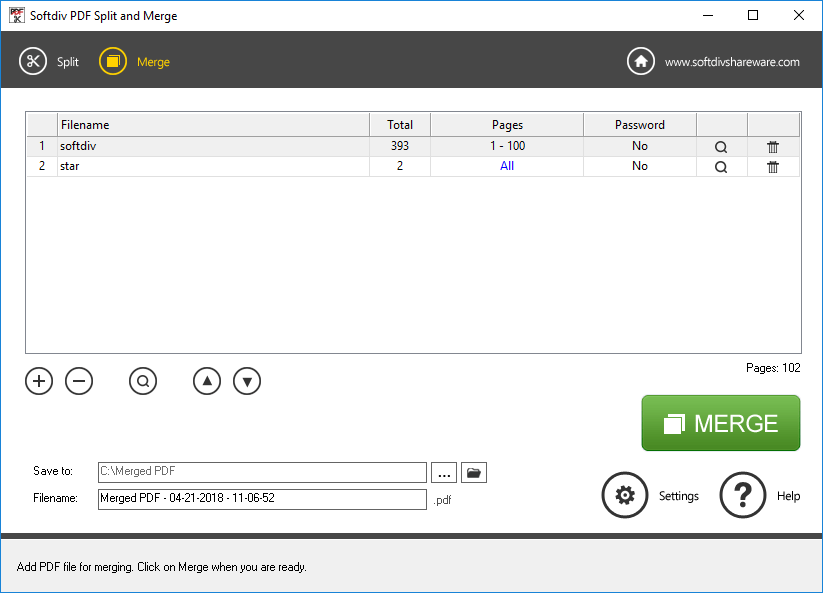
Merge PDF Files
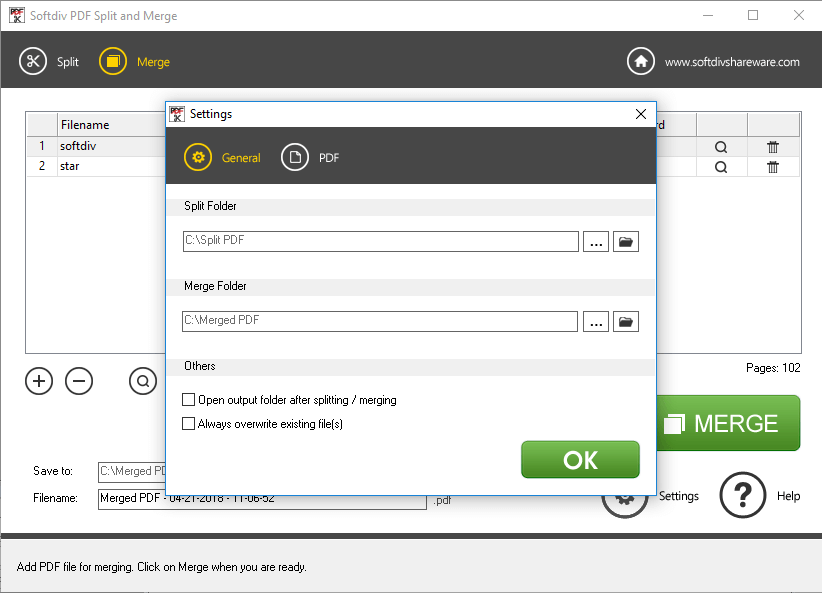
General Settings
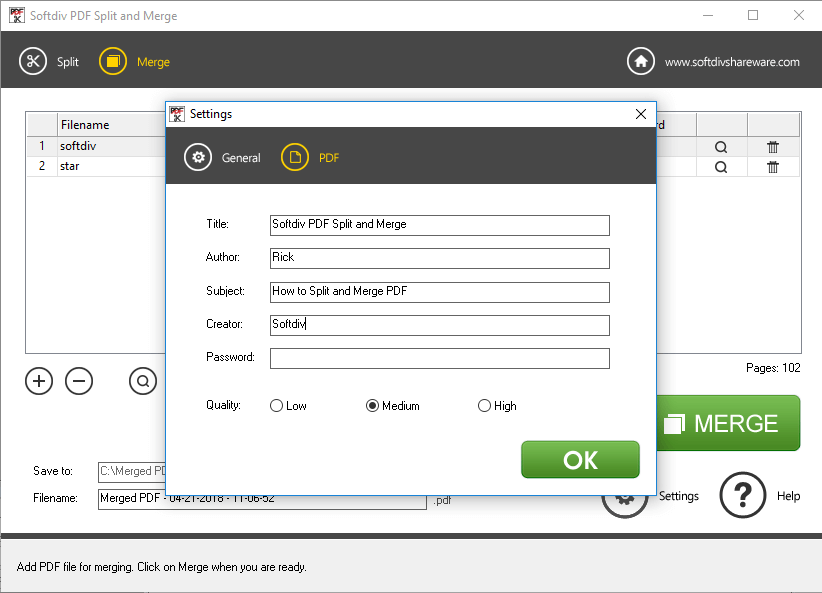
PDF Settings
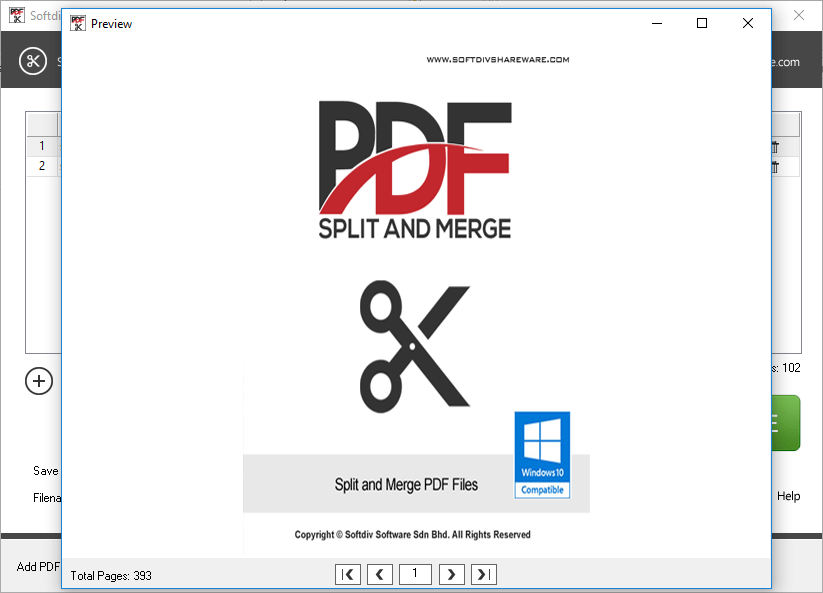
PDF Viewer
Adobe Acrobat Files ( PDF )
Microsoft Windows 7, 8, 10, 11
1.2GHz Intel or AMD CPU
1G RAM
512 MB Hard Disk Storage